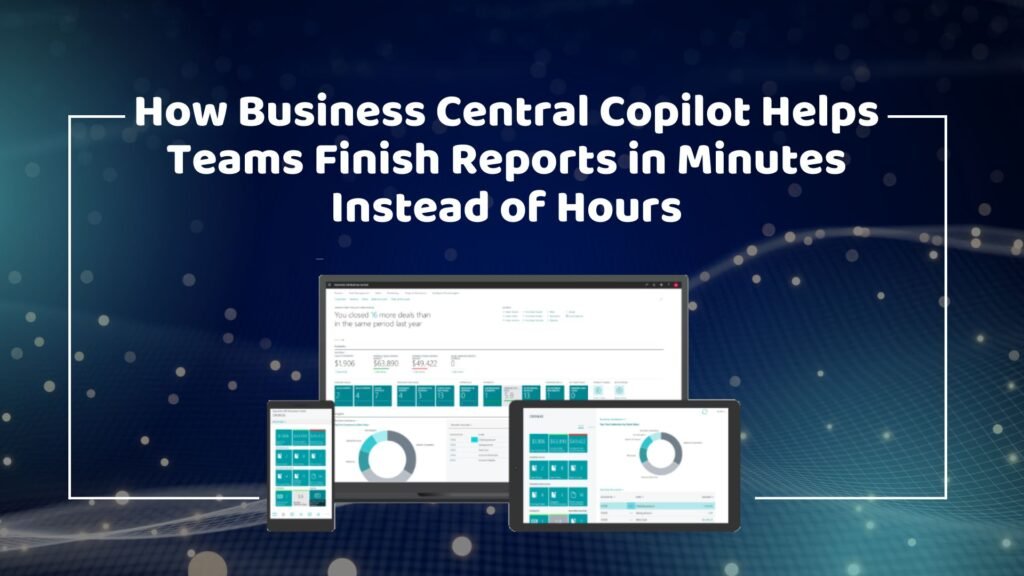
How Business Central Copilot Helps Teams Finish Reports in Minutes Instead of Hours
Businesses today operate in an increasingly data-driven environment where timely access to information is critical for success. Every department, from finance and sales to operations and inventory management, relies on accurate reports to make informed decisions. However, creating these reports has traditionally been a time-consuming process that often requires employees to gather data from multiple sources, verify information, and compile reports manually. As organizations grow, reporting demands become even more complex, consuming valuable employee time and slowing decision-making. This is where Microsoft Dynamics 365 Business Central Copilot is transforming the way organizations work. By integrating artificial intelligence directly into the ERP system, Copilot enables users to generate reports, analyze data, and gain insights in a fraction of the time previously required. Instead of spending hours manually building reports, teams can now create meaningful business reports in minutes. For companies seeking digital transformation through a trusted Microsoft Dynamics 365 partner in Texas, USA, Business Central Copilot offers a powerful solution that increases productivity, improves reporting accuracy, and supports faster business decisions. The Traditional Reporting Challenge Many organizations still struggle with manual reporting processes. Employees often spend significant amounts of time extracting data from various systems, organizing spreadsheets, and ensuring information accuracy before a report can be shared with stakeholders. Even when businesses have modern ERP solutions, reporting workflows may still involve manual steps that create bottlenecks. Some of the most common reporting challenges include: These challenges not only reduce productivity but also impact the speed and quality of decision-making. In competitive industries, waiting hours or days for reports can result in missed opportunities and slower responses to market changes. Understanding Business Central Copilot Business Central Copilot is Microsoft’s AI-powered assistant built into Dynamics 365 Business Central. It uses advanced artificial intelligence and natural language processing to help users complete tasks more efficiently and interact with business data in a simpler way. Rather than requiring users to navigate complex menus or configure detailed reporting parameters, Copilot allows them to request information using everyday language. Users can ask questions, generate summaries, analyze trends, and create reports directly within the ERP system. This innovative capability significantly reduces the effort required to access business information while making reporting accessible to users across all departments. Organizations implementing Microsoft Dynamics 365 Business Central in texas usa are increasingly leveraging Copilot to improve operational efficiency and gain faster access to valuable business insights. Accelerating Report Creation with AI One of the most significant advantages of Business Central Copilot is its ability to dramatically reduce report preparation time. Traditionally, employees might spend several hours gathering information, filtering data, and formatting reports. Copilot automates much of this work by analyzing data within the ERP system and generating relevant reports almost instantly. For example, a sales manager can request a quarterly sales performance report, and Copilot can compile the necessary information within minutes. Similarly, finance teams can generate financial summaries, cash flow reports, and profitability analyses without manually combining data from different sources. This automation enables employees to focus more on interpreting information and making strategic decisions rather than spending time on administrative tasks. Businesses working with providers of MS Dynamics 365 implementation services in Texas, USA, often discover that AI-powered reporting becomes one of the most valuable productivity enhancements following implementation. Real-Time Access to Business Information In today’s business environment, outdated information can be as problematic as having no information at all. Organizations need real-time visibility into operations, finances, and customer activity to respond quickly to changing conditions. Business Central Copilot enables users to access current data whenever they need it. Instead of waiting for scheduled reports or relying on manually updated spreadsheets, managers can generate real-time insights directly from the ERP system. This capability benefits every department. Finance teams can monitor cash flow and outstanding receivables in real time. Sales managers can track performance against targets and identify emerging opportunities. Inventory managers can review stock levels and demand patterns instantly. Executives can gain an immediate overview of organizational performance without waiting for reports from multiple departments. The result is faster, more informed decision-making throughout the organization. Improving Accuracy and Consistency Manual reporting processes often introduce errors that can negatively impact business decisions. Incorrect formulas, duplicate entries, missing records, and outdated spreadsheets can all compromise the reliability of reports. Business Central Copilot helps eliminate these issues by working directly with ERP data. Since information is pulled from a centralized system, users can trust that reports reflect the most current and accurate information available. This improved accuracy is particularly important for financial reporting, regulatory compliance, and executive decision-making. When leaders rely on business reports to allocate resources, forecast growth, or evaluate performance, confidence in data quality becomes essential. Companies utilizing Microsoft Dynamics 365 Support Services in texas usa frequently prioritize reporting accuracy as a key objective, and Copilot helps achieve this goal by reducing manual intervention throughout the reporting process. Enhancing Productivity Across Departments The benefits of Business Central Copilot extend well beyond finance teams. Reporting and data analysis are critical functions across the entire organization, and Copilot improves productivity in virtually every department. Finance professionals can generate financial statements, cash flow analyses, budget comparisons, and expense reports more efficiently. Rather than dedicating large portions of their workday to report preparation, they can focus on financial planning and business strategy. Sales teams benefit from rapid access to revenue data, customer trends, and performance metrics. Managers can identify opportunities and address challenges more quickly because they no longer need to wait for manually prepared reports. Operations and inventory teams gain improved visibility into stock levels, procurement activities, and supply chain performance. Copilot can help identify inventory shortages, excess stock, and purchasing trends, enabling more proactive management. Executives and business leaders also benefit significantly. Instead of reviewing multiple spreadsheets and reports from different departments, they can access concise summaries and actionable insights generated by Copilot, making strategic decision-making faster and more effective. Supporting Faster Financial Close Processes Month-end and year-end closing activities often create significant workloads for finance departments. Teams must reconcile
How Business Central Copilot Helps Teams Finish Reports in Minutes Instead of Hours Read More »