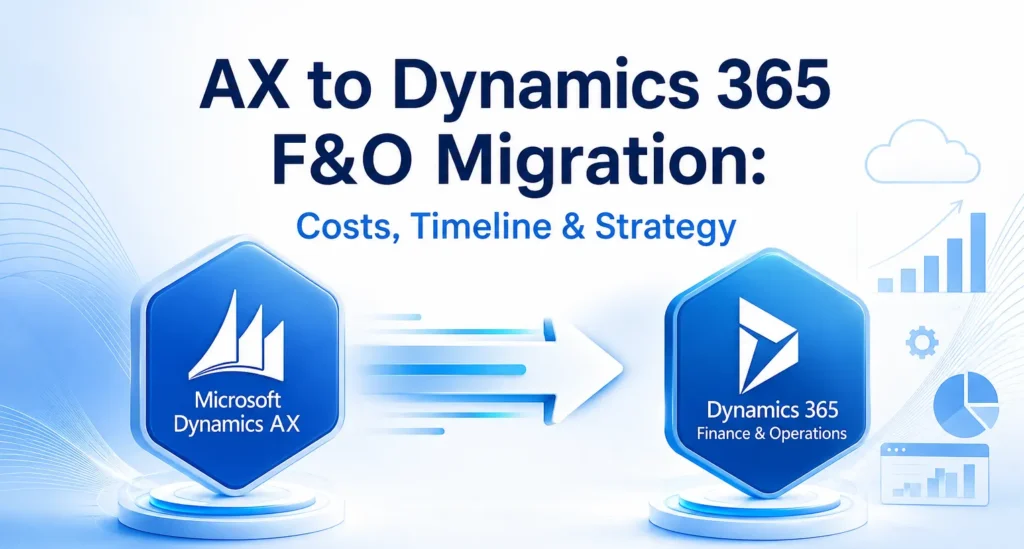
AX to Dynamics 365 F&O Migration: Costs, Timeline & Strategy
Businesses using Microsoft Dynamics AX have benefited from a reliable ERP system for many years. However, as technology evolves and organisations increasingly adopt cloud-first strategies, many are choosing to migrate to Microsoft Dynamics 365 Finance & Operations (Dynamics 365 F&O). This modern ERP solution provides greater flexibility, enhanced security, AI-powered capabilities, and continuous updates that help businesses stay competitive in an increasingly digital world. Migrating from Dynamics AX is more than simply upgrading software. It is an opportunity to modernise business processes, improve operational efficiency, and create a scalable platform that supports long-term growth. Whether you are planning your first ERP migration or evaluating your options, understanding the costs, timeline, and implementation strategy is essential for a successful transition. Why Upgrade from Dynamics AX to Dynamics 365 F&O? Microsoft Dynamics AX was designed for on-premises environments and has served thousands of organisations worldwide. However, maintaining legacy infrastructure, managing customisations, and handling manual upgrades have become increasingly expensive and time-consuming. Dynamics 365 F&O addresses these challenges with a cloud-based architecture that delivers continuous innovation and better performance. The platform offers advanced financial management, intelligent supply chain capabilities, automated workflows, real-time reporting, and seamless integration with Microsoft 365, Power Platform, and Azure services. Businesses also gain access to AI-driven insights that support faster and more informed decision-making. Working with an experienced Microsoft Dynamics 365 partner helps organisations make the transition smoothly while reducing risks associated with complex ERP migrations. Understanding the Cost of Migration One of the first questions businesses ask is, “How much does an AX to Dynamics 365 F&O migration cost?” There is no fixed answer because every organisation’s ERP environment is different. The overall investment depends on several factors, including the size of the business, the complexity of existing processes, and the amount of customisation required. Organisations running older versions such as Dynamics AX 2009 or AX 2012 often require additional planning because these systems typically contain outdated customisations, legacy integrations, and inconsistent data. Businesses with multiple locations, international operations, or high transaction volumes may also require more extensive implementation efforts. Another important cost factor is data migration. Customer records, vendor information, inventory data, financial transactions, and historical reports all need to be reviewed and validated before being transferred into the new system. The cleaner the existing data, the smoother and more cost-effective the migration process becomes. Training employees and preparing them for the new system should also be included in the overall project budget. Investing in user adoption ensures employees can quickly take advantage of the platform’s new features and capabilities. Typical Migration Timeline The duration of an AX to Dynamics 365 F&O migration depends on project complexity. Small businesses with straightforward business processes can often complete migration within a few months, while large enterprises with multiple legal entities and extensive integrations require a longer implementation schedule. A standard migration project generally includes assessment, solution design, system configuration, data migration, testing, user training, and go-live support. Each phase requires careful planning to minimise disruption to daily business operations. Rather than rushing implementation, organisations should focus on completing each stage thoroughly. Proper testing and user acceptance significantly reduce the likelihood of issues after deployment and contribute to a smoother transition. Building an Effective Migration Strategy A successful migration starts with a detailed assessment of the existing Dynamics AX environment. This involves reviewing current business processes, identifying customisations, evaluating integrations, and understanding reporting requirements. The goal is not simply to recreate the existing system but to identify opportunities for improvement. Once the assessment is complete, organisations can begin designing their future ERP environment. During this phase, business requirements are aligned with the capabilities available in Dynamics 365 F&O. Many businesses also evaluate Microsoft Dynamics 365 Business Central for smaller subsidiaries or regional offices while using Dynamics 365 F&O for enterprise-wide operations. This combination allows organisations to build a connected Microsoft ecosystem that supports different business needs. Data preparation is another critical step. Before migration begins, duplicate records should be removed, outdated information archived, and financial data validated. Clean and accurate data reduces migration errors and improves system performance after deployment. Testing plays a crucial role throughout the implementation process. Every workflow, integration, and report should be validated before the new system goes live. User acceptance testing allows employees to become familiar with the new environment while identifying any remaining issues. Common Migration Challenges Although every migration project is unique, organisations often encounter similar challenges. Legacy customisations are among the most common obstacles. Many Dynamics AX systems have been modified over several years to meet specific business requirements. During migration, these customisations should be carefully evaluated to determine whether they are still necessary or whether standard Dynamics 365 functionality can achieve the same outcome. Data quality is another common concern. Incomplete customer records, duplicate vendors, inconsistent product information, and outdated financial data can slow implementation and increase project costs. Beginning data cleansing early in the project significantly improves migration success. Employee adoption also deserves careful attention. Even the most advanced ERP solution will not deliver its full value if users are uncomfortable with the new system. Providing comprehensive training and communicating the benefits of the migration helps employees embrace new processes more confidently. Best Practices for a Successful Migration Organizations that experience successful ERP migrations typically follow a structured approach rather than treating migration as a simple technical upgrade. They establish clear business objectives, involve key stakeholders throughout the project, and prioritise business process improvements over replicating outdated workflows. While every implementation is different, several practices consistently contribute to success: Following these principles helps organisations reduce implementation risks while maximizing the return on their ERP investment. Benefits After Migrating to Dynamics 365 F&O Businesses that successfully migrate to Dynamics 365 F&O often experience improvements across finance, operations, manufacturing, procurement, and supply chain management. Real-time dashboards provide better visibility into business performance, allowing leaders to make faster and more informed decisions. Automation reduces repetitive manual tasks, enabling employees to focus on higher-value activities. Continuous Microsoft updates ensure the ERP platform remains
AX to Dynamics 365 F&O Migration: Costs, Timeline & Strategy Read More »